 MacMD
The quiet Markdown editor for Mac
Write in plain Markdown that styles itself as you type, then press ⌘E to read it as a beautifully set page. Native, light and private.
Download for Mac View on GitHub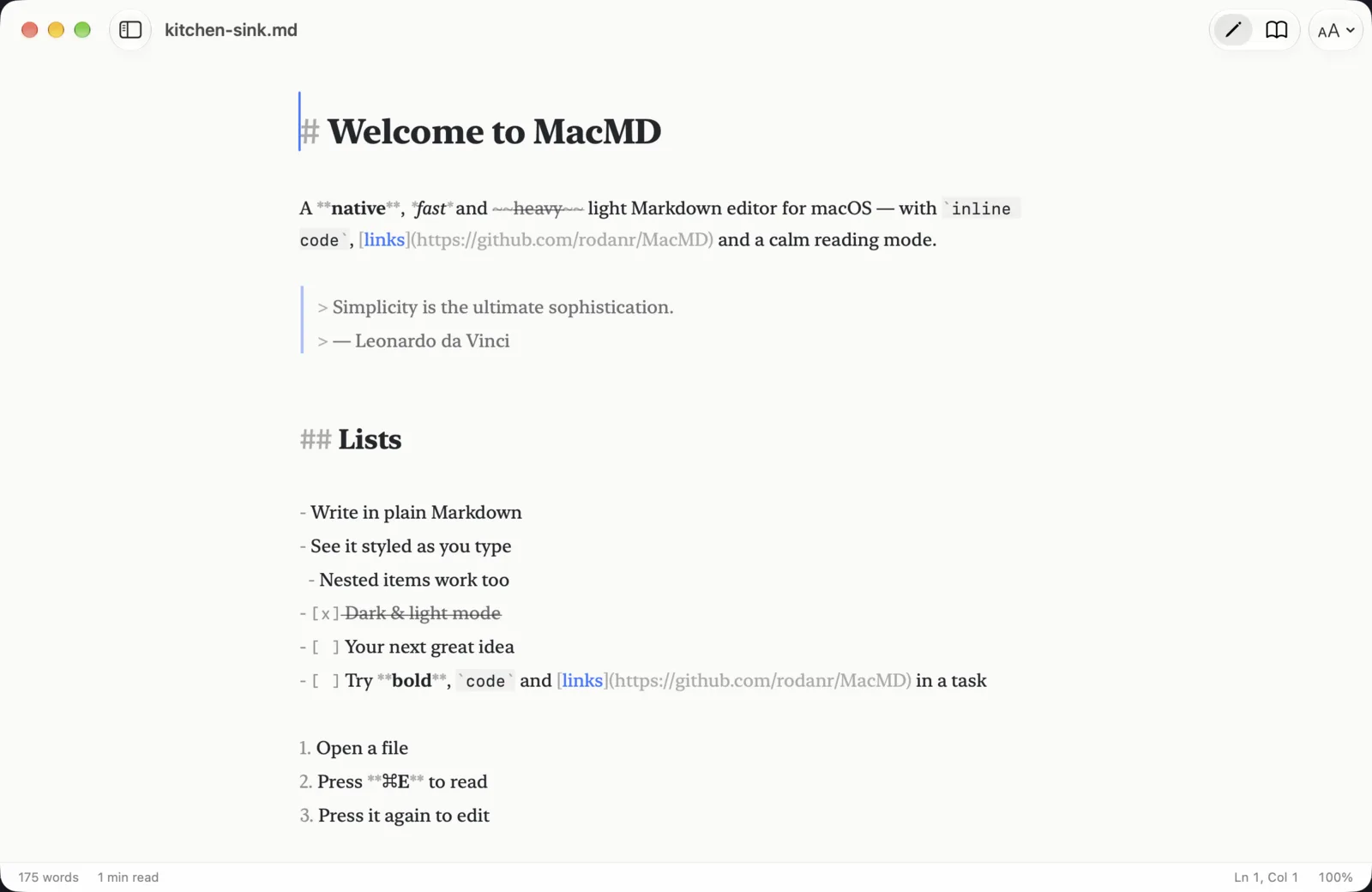
A Markdown editor that behaves like a Mac app
MacMD is built with AppKit, SwiftUI and TextKit 2, so it has autosave, versions, tabs, spell checking, Find, Services and your system accent color. It uses about 50 MB of memory with a document open, downloads at about 5 MB, and has no Electron and no background work.
Your file stays plain text. Markdown syntax is shown faintly, never hidden, so what you see is exactly what you save.
Features
Live styling
Headings, emphasis, code, quotes, lists, task lists, tables, links and math are styled as you type.
Read mode
⌘E switches to a typeset page and keeps your place in the document.
Code, math, diagrams
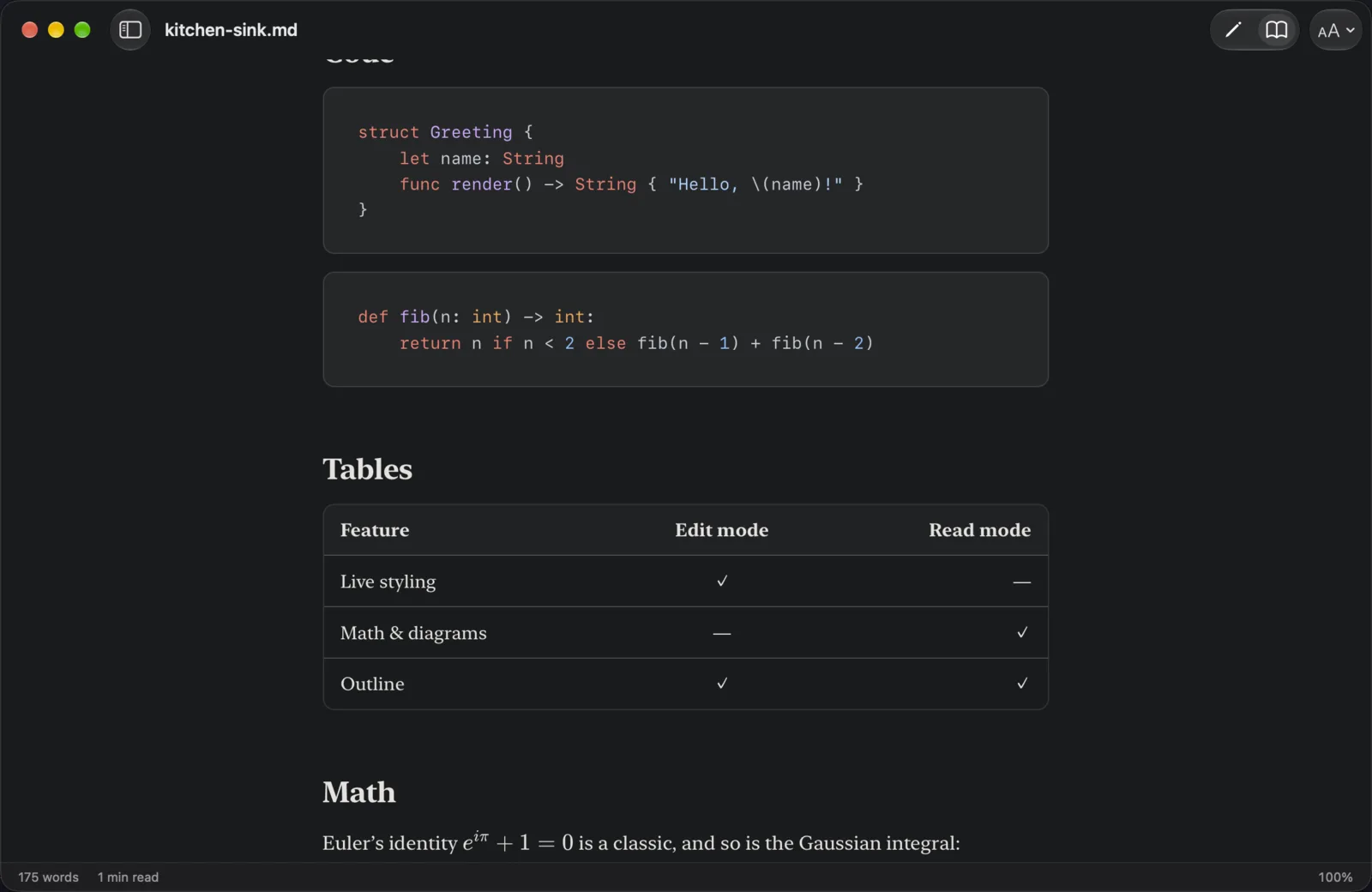
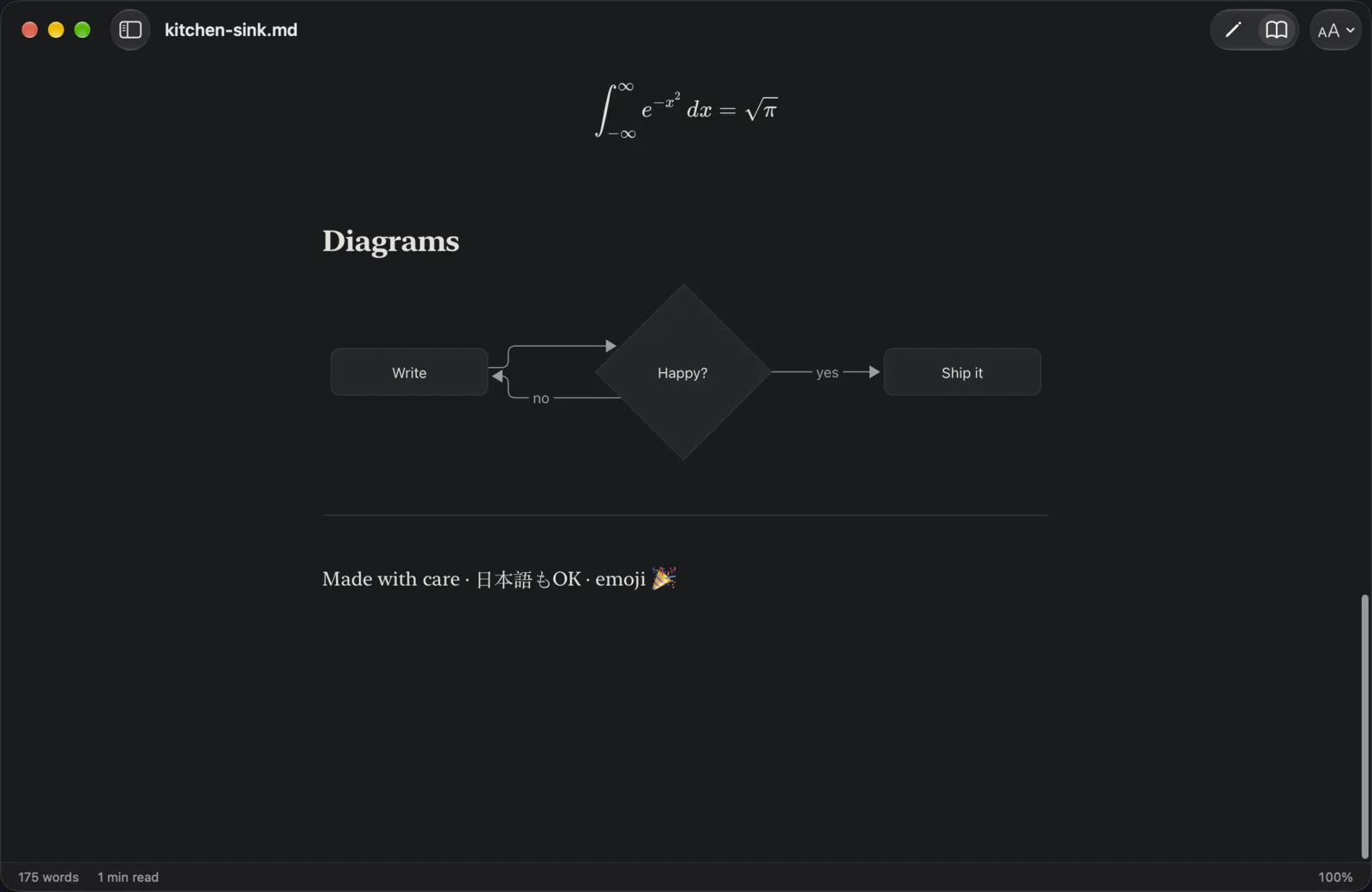
Syntax highlighting, TeX math (KaTeX) and Mermaid diagrams, all offline.
Outline and files
Jump between headings, or browse the Markdown files in a folder.
Focus and typewriter
Dim everything but the current paragraph, or keep the caret centered.
Smart editing
Lists, quotes and tasks continue on Return. Tab indents. Typing * around a selection wraps it.
Vim mode
For people who think in motions. Optional, and off until you turn it on.
Images
Drop or paste images and MacMD inserts a relative link next to your document.
Themes
Paper, Clean and Mono, each in light and dark, with adjustable font size.
Export
HTML, PDF, Print, and Copy as HTML.
Stays in sync
Reloads automatically when another app changes the file.
Private
No accounts, analytics or telemetry. It only goes online when you ask it to.
Install
Requires macOS 26 Tahoe or later on Apple silicon.
- Download the DMG from the latest release.
- Open it and drag MacMD onto Applications.
- Open MacMD. macOS says it was not opened: click Done.
- In System Settings → Privacy & Security, click Open Anyway next to MacMD and confirm.
MacMD is a free, independent project and is not yet notarized by Apple, which is why macOS asks. The code is open, releases are built in public on GitHub Actions, and every download has a checksum. The full install notes explain how to verify it.
Questions
Is MacMD free?
Yes. It is free and open source under the MIT License.
Which Macs does it run on?
macOS 26 Tahoe or later on an Apple silicon Mac.
Does MacMD collect data?
No. There are no accounts, analytics or telemetry. It only goes online when you ask it to, for example to check for updates. See the Terms and Privacy.
Does it change my Markdown files?
No. Your file stays plain text, and styling never changes the characters.
How do I report a bug or ask for a feature?
Open an issue on GitHub.